Counts in · Ready-to-run model out

Build better VISSIM models in less time.

VHelper automates repetitive work, catches coding errors early, and turns simulation results into report-ready visualizations.

Version 6 uses traffic-count targets and StreetLight OD data to estimate OD Matrix - then builds Vehicle Inputs, Traffic Compositions, and complete end-to-end Static Routings with one click.

VHelper 6 · ODME and routing
Placeholder for the VHelper 6 ODME and routing screenshot
Proven for 16+ yearsEngineer-built tools for real project work
One-click workflowsFrom model data to clear insights
Counts + StreetLight ODObserved traffic and prior demand for ODME
Vehicle-aware routingFeasible paths for each vehicle class

From evidence to model demand

One connected workflow from traffic counts to VISSIM.

VHelper 6 combines corridor discovery, vehicle-class-aware estimation, and model generation.

Bring counts and OD data in

Ground the estimation in observed traffic and an informed prior demand pattern.

  • Use freeway, ramp, and intersection count targets
  • Import StreetLight OD demand
  • Support multiple vehicle classes
  • Visualize observed counts on the network
Estimate the connected corridor

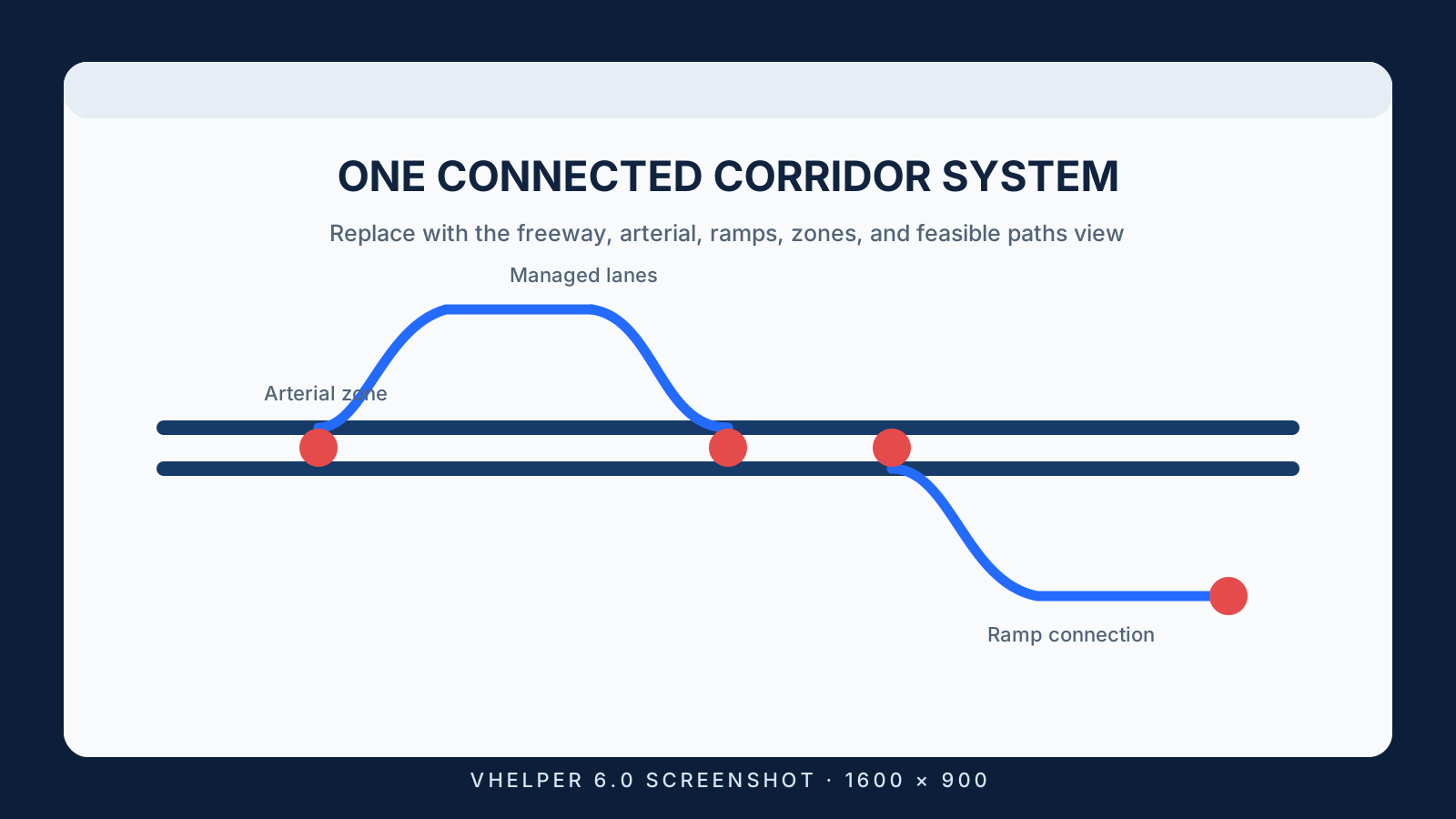
Represent how traffic can move through freeway, arterial, managed-lane, and transfer paths.

  • Automatically discover corridor topology
  • Associate zones, ramps, and feasible paths
  • Keep GP vehicles off ineligible Express/HOT paths
  • Visualize OD flows and diagnose feasibility

Produce ready-to-run demand

Turn estimated matrices into the core VISSIM demand objects automatically.

  • Create Vehicle Inputs
  • Create Traffic Compositions
  • Create complete end-to-end Static Routings
  • Avoid fragile chains of relay routings

VHelper 6 in action

Four views of the new workflow.

These placeholders are ready to be replaced with current VHelper 6 screenshots captured at the same 16:9 size.

Engineer feedback

Useful because it solves real review problems.

I’m really digging the lane change distance error function. I went through the 40 errors it found, and all except two were legitimate.
Joshua Johnson, P.E.Senior Traffic Operations Engineer, HDR

Questions

VHelper FAQ

What is VHelper?
VHelper is a Windows companion utility for PTV VISSIM. Version 6 adds a complete workflow from traffic counts and prior OD data through corridor-aware estimation to automatically generated demand inputs and routings.
What do I need to run it?
VHelper runs on Windows and uses the Microsoft .NET Framework. There is no installer: download the ZIP file, extract it to a local folder, and run VHelper.exe. See the download page for current release notes and setup guidance.
What is new in VHelper 6?
VHelper 6 adds corridor OD Matrix Estimation using traffic-count targets and StreetLight OD data. It automatically creates Vehicle Inputs, Traffic Compositions, and complete end-to-end Static Routings, with vehicle-class-aware paths and new corridor visualization and diagnostic tools.
Which VISSIM versions are supported?
VHelper 6 includes VISSIM 2026 file and COM support and works with a range of current and legacy network formats. Review the release notes for version-specific details.
Can I try VHelper before purchasing?
Yes. Download the current release and explore the available tools. For activation, licensing, or evaluation questions, contact support@trananswers.com.
What does the annual license include?
A single-user annual license includes VHelper use, updates, and customer support during the one-year subscription period. See pricing and purchase details.

Turn your traffic counts into runnable VISSIM demand.

Explore the VHelper 6 release details or choose an annual license.